

Creating a Task Sequence
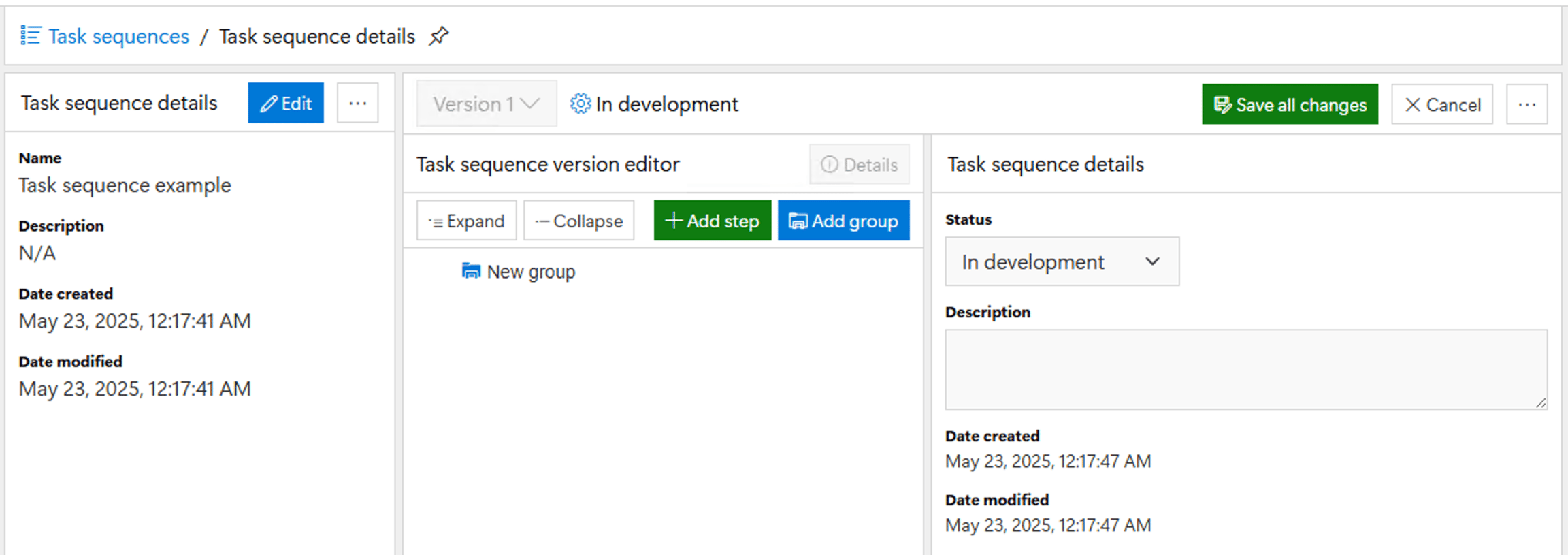
To create a task sequence, start from scratch or use a predefined template. To start from scratch, navigate to the Task sequences node, click + Add, and select Add empty from the drop-down menu.
A new version is then created with a single empty group. Click Edit mode to make changes. When you are finished, click Save all changes.
To create a task sequence from a template, click + Add and select Add from template. Choose a template from the available list, then click Clone:
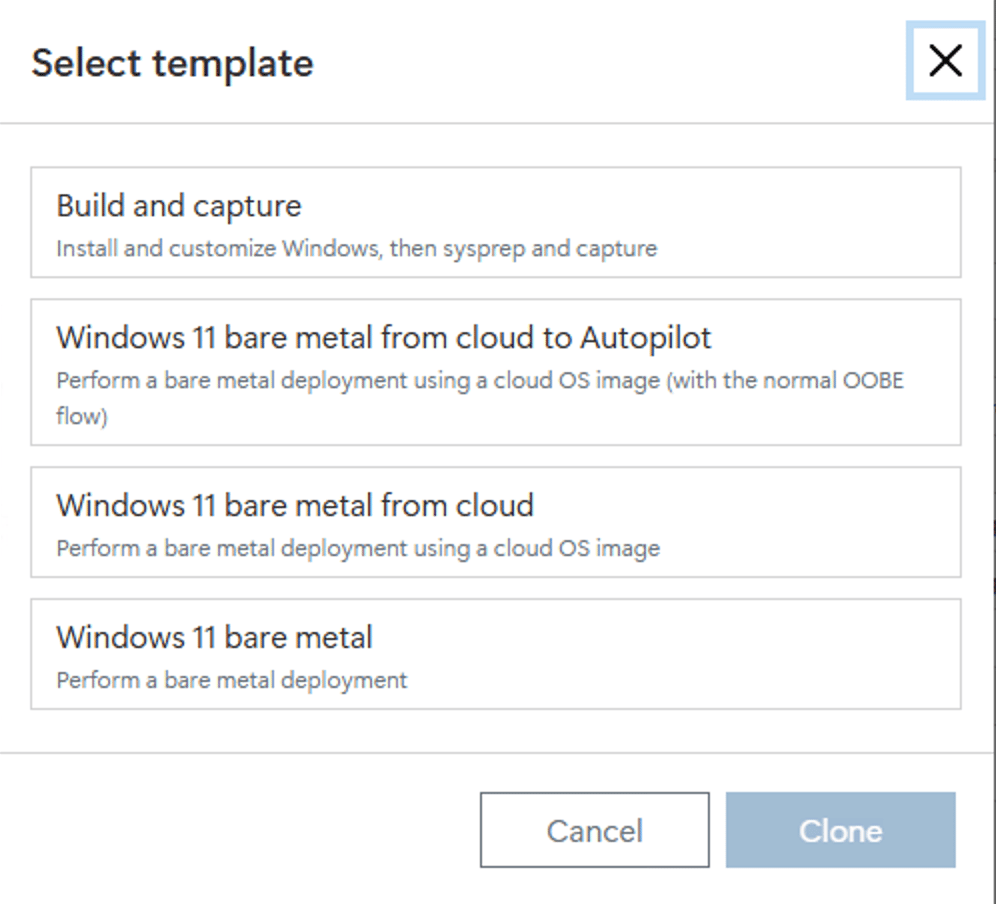
A task sequence and version are automatically created as a copy (clone) of the selected template. Click Edit mode to make changes. Ensure that the required step settings (for example, the operating system to be applied) are configured before clicking Save all changes.
Last updated