> For the complete documentation index, see [llms.txt](https://documentation.2pintsoftware.com/llms.txt). Markdown versions of documentation pages are available by appending `.md` to page URLs; this page is available as [Markdown](https://documentation.2pintsoftware.com/deployr/reference/step-definitions/join-entra-id.md).
# Join Entra ID
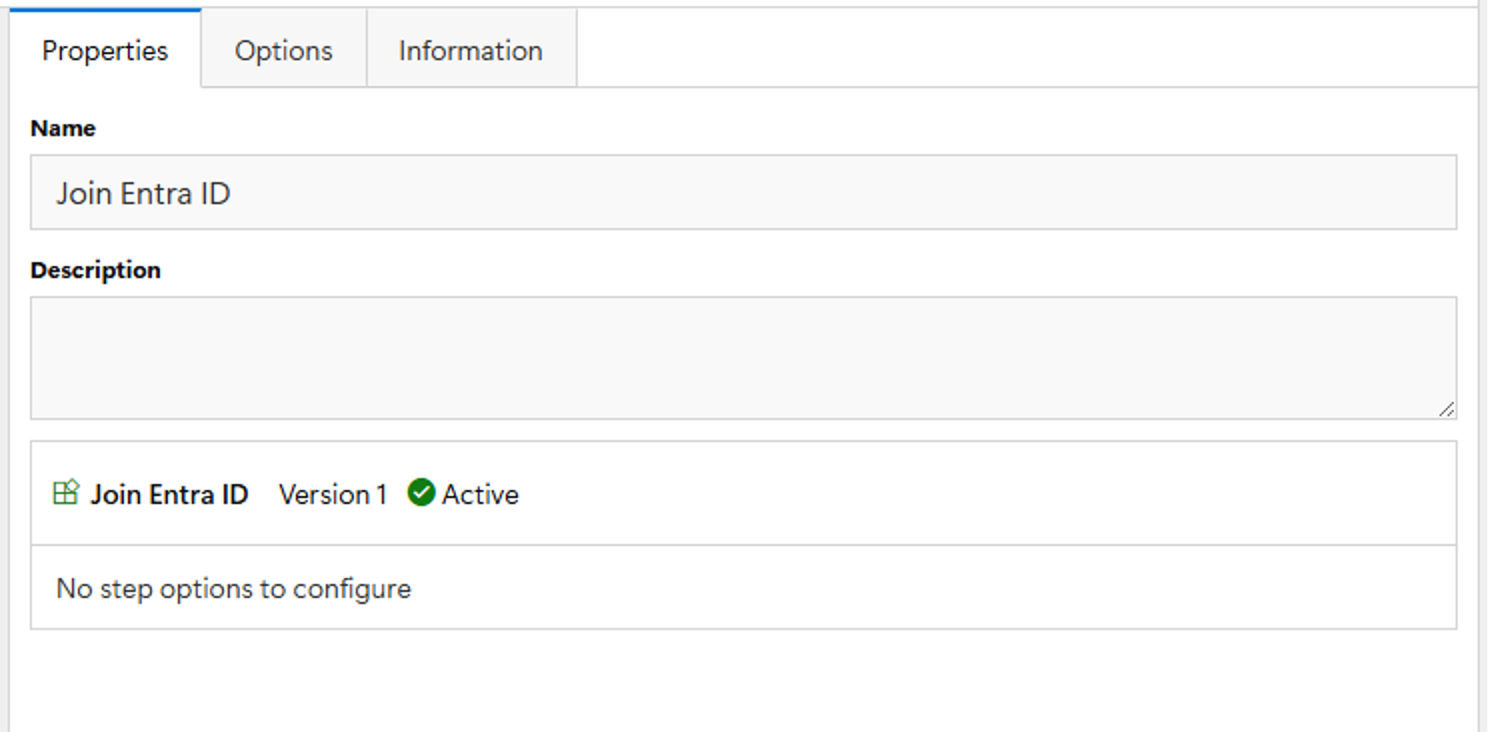
The Join Entra ID step definition joins the device to Entra ID. There are not options to configure on this step.
This requires adding a provisiosing package (.ppkg) file to the DeployR Entra ID join bulk enrollment token content item, which can be done by executing the GeneratePPKG.ps1 script in the "C:\Program Files\2Pint Software\DeployR\Tools" folder and authenticating using an Entra ID user that has sufficient rights.
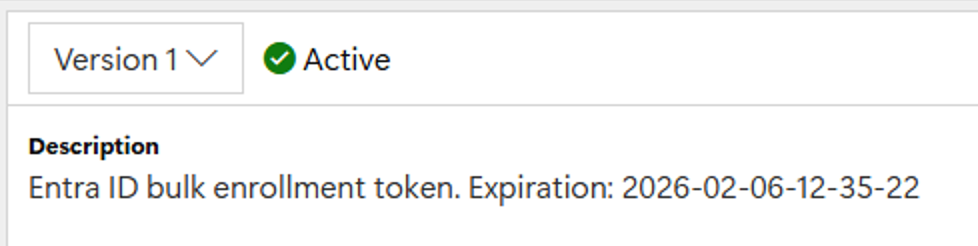
The generated PPKG file can be used to join an unlimited number of devices to Entra ID. The bulk enrollment token in the package is only good for 179 days, so it needs to be periodically updated. See the description on the content item version for the current PPKG's expiration date:
### GeneratePPKG.ps1 Command Line
Besides the above method mentioned, the script can be copied off to a workstation and run along with the parameters **-SkipUpload** & **-EntraTenantID**
```
PS C:\> .\GeneratePPKG.ps1 -SkipUpload -EntraTenantID ABCD1234-ABCD-EFGH-1234-ABCDEF123456
```
You might see Defender fuss a bit about the module, but it's fine.
Then "Getting access token" prompts for Azure Creds
Then once auth is provided, it will continue and provide instructions on how to upload:
Copy the folder C:\Users\GaryBlok\AppData\Local\Temp\e44ff3c1-9ba0-4d40-b093-441880464850 containing the generated PPKG file to a location on the DeployR server and upload to the content item manually using:
```powershell
Update-DeployRContentItemContent -ContentId '00000000-0000-0000-0000-000000000007' -ContentVersion 1 -SourceFolder
```
---
# Agent Instructions
This documentation is published with GitBook. GitBook is the documentation platform designed so that both humans and AI agents can read, navigate, and reason over technical content effectively. Learn more at gitbook.com.
## Querying This Documentation
If you need additional information that is not directly available in this page, you can query the documentation dynamically by asking a question.
Perform an HTTP GET request on the current page URL with the `ask` query parameter, and the optional `goal` query parameter:
```
GET https://documentation.2pintsoftware.com/deployr/reference/step-definitions/join-entra-id.md?ask=&goal=
```
`ask` is the immediate question: it should be specific, self-contained, and written in natural language.
`goal` is optional and describes the broader end goal you are ultimately trying to accomplish on behalf of the user. GitBook uses it to tailor the answer towards what is most useful for that goal.
The response will contain a direct answer to the question and relevant excerpts and sources from the documentation.
Use this mechanism when the answer is not explicitly present in the current page, you need clarification or additional context, or you want to retrieve related documentation sections.