

Import BranchCache Secret Key
When moving from ConfigMgr, or working alongside it, there is a benefit to having the DeployR server share the same BranchCache secret key in both environments.
To let DeployR use BranchCache content already distributed through ConfigMgr, export the BranchCache secret from your ConfigMgr distribution point (DP) server and import it into DeployR.
Use the following PowerShell functions:
Export: Export-BCSecretKey
Import: Import-BCSecretKey
Export & Import Key
On the ConfigMgr DP, export the key:
Export-BCSecretKey -Filename c:\BCSuperSecret.key -FilePassphrase SUPERSECRETPHRASEOn the DeployR server, copy the file and import the key:
Import-BCSecretKey -Filename D:\BCSuperSecret.key -FilePassphrase SUPERSECRETPHRASE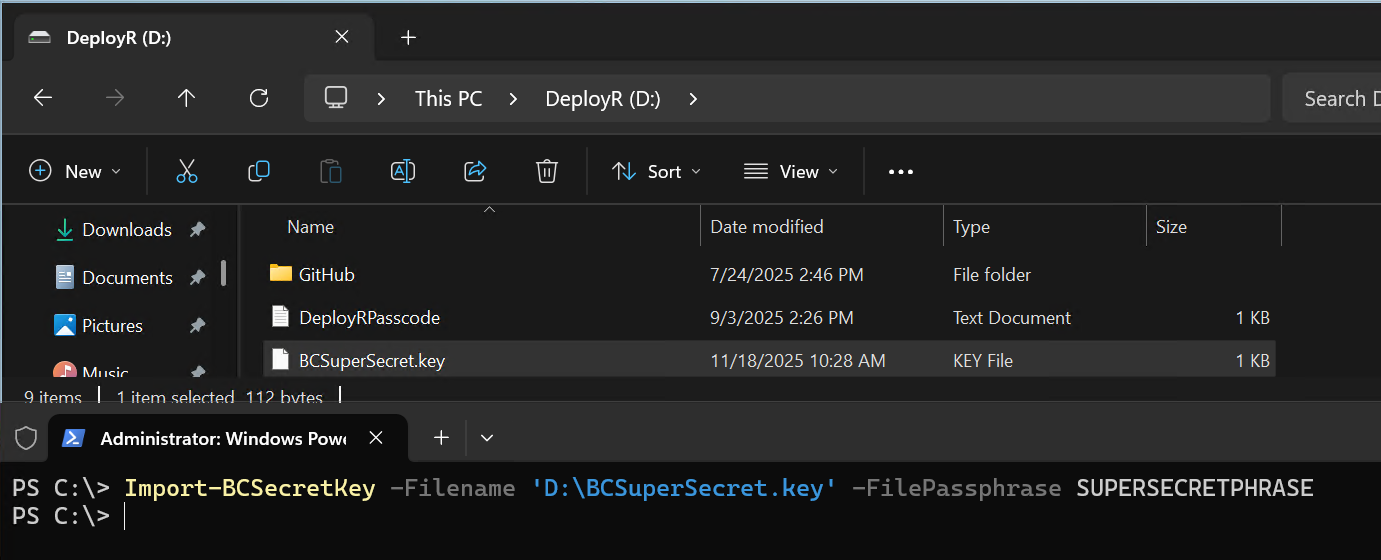
To confirm the import, check the registry. HKLM\SOFTWARE\Microsoft\Windows NT\CurrentVersion\PeerDist\SecurityManager\Restricted
Below is a capture of the registry value after importing the secret key on the DeployR server. The values match, so the import worked.


Reset DeployR BC Hash CIs
Once the import is done, DeployR uses the new secret to create hashes, but any content already used in DeployR will already have hashes generated with the old secret. Those all need to be deleted so they will be regenerated the next time their associated content items are called by DeployR.
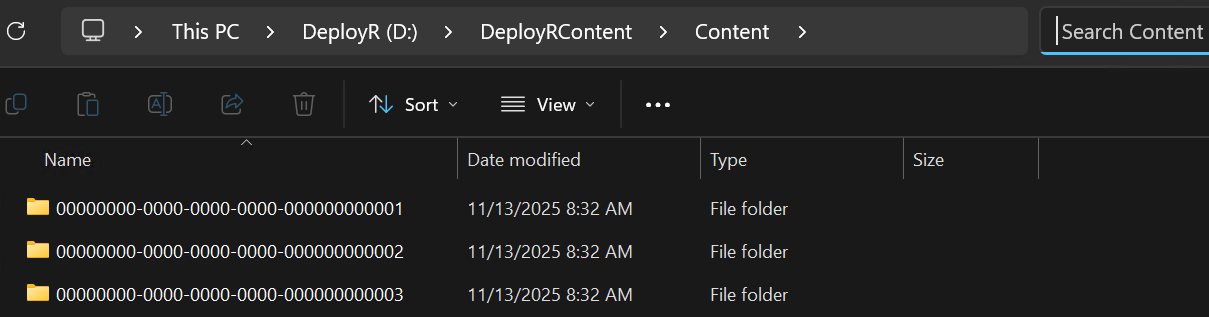
On the DeployR server, go to the DeployR content folder, which contains several precreated items, and search for *.genci.
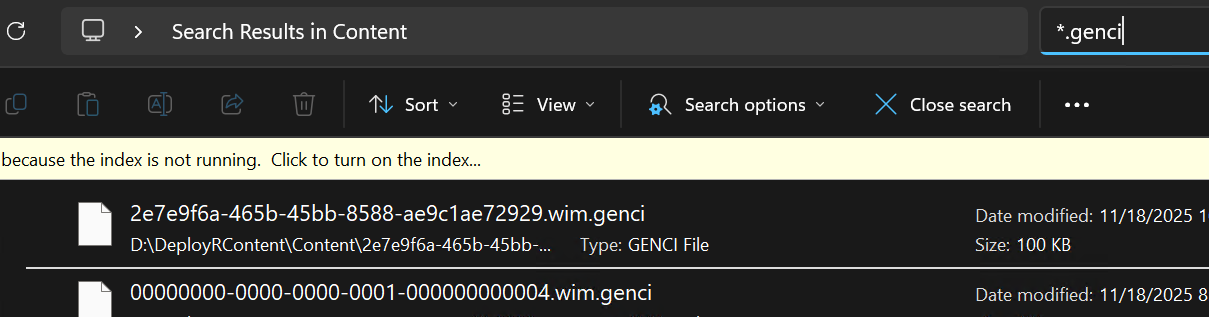
Confirm that all of the items found are .genci files, then select them all and delete them.
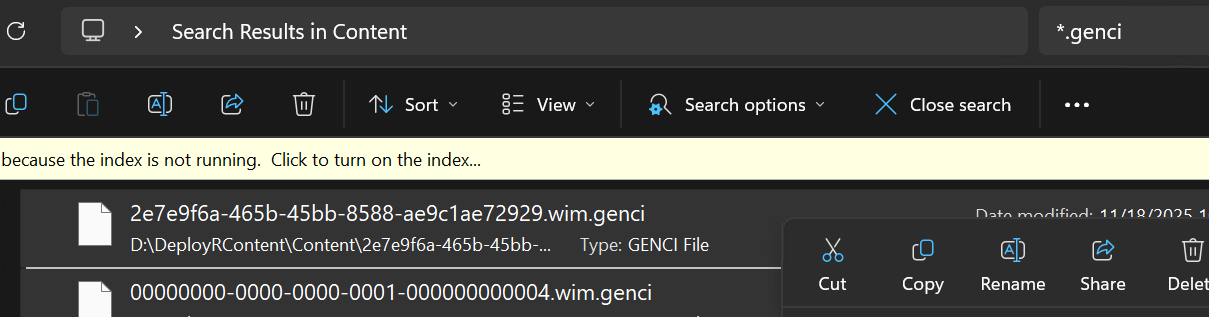
The files will regenerate the next time the content is used by DeployR.
Now DeployR & ConfigMgr content will be shared back and forth using BranchCache, improving your P2P efficiencies.
Last updated