

Passcode authentication
Passcode authentication is intended primarily for DeployR servers running on an internal (corporate) network. Before a task sequence can run, the technician must enter the passcode configured on the DeployR server. Anyone who knows the passcode can access all task sequences and content items defined in DeployR.
This mechanism is intended to prevent unauthorized users from accidentally performing actions they may later regret, such as reimaging their computers.
Change this passcode periodically.
To configure the passcode, open the "Configure DeployR" shortcut from the Start menu. Navigate to the "Security Settings" section and type in the desired passcode to use. Verify the changes, then save them. Make sure the DeployR service is running.
Note that Entra ID and certificate authentication take precedence over passcode authentication. To use passcode authentication, remove the Entra ID auth settings.
Verification
To ensure everything is configured and working, boot into Windows PE (using an ISO, PXE, etc.). You should be challenged to type in the specified passcode:
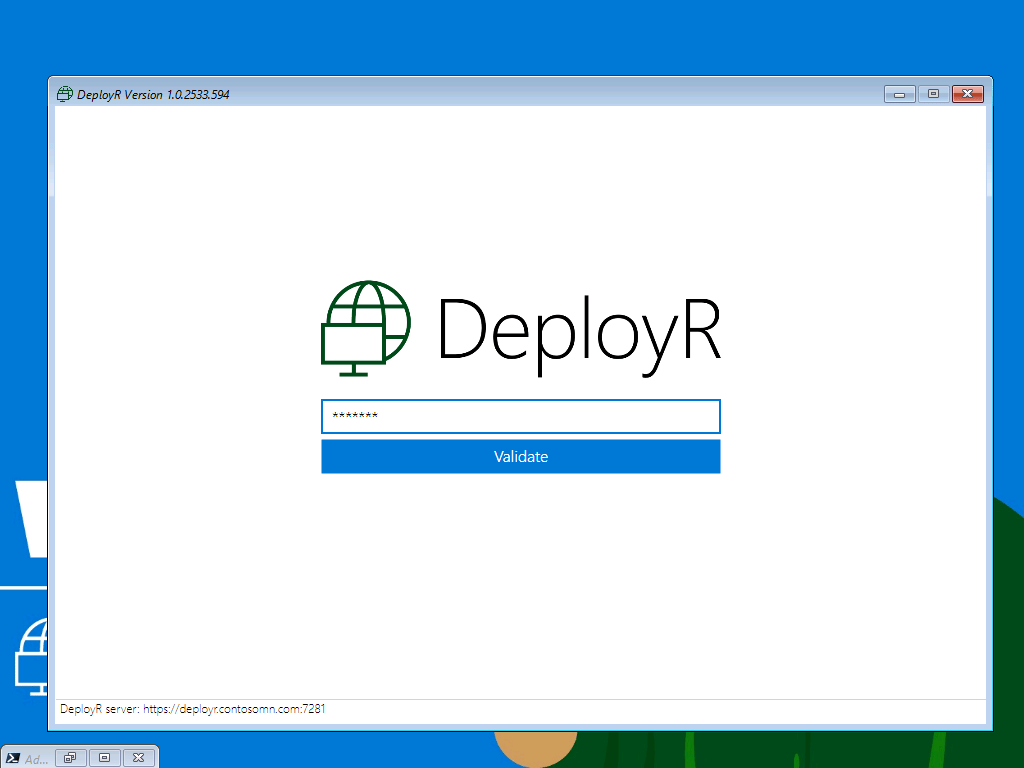
And the DeployR client will then continue automatically.
Last updated