

Securing
DeployR supports several authentication mechanisms to control who can run task sequences. Configure at least one of them:
Entra ID authentication. Use the Entra ID device flow to allow technicians to sign in with their Entra ID credentials from a phone or another device.
Passcode authentication. Technicians sign in using a passcode provided by the IT administrator. Anyone who knows the passcode can use it.
Certificate authentication. From an existing OS, a task sequence can be started using an existing certificate, without requiring manual authentication.
It is also possible to bypass authentication altogether by enabling the "Bypass authentication" setting:
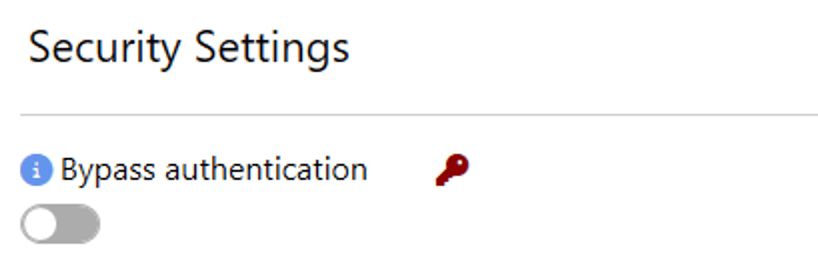
With that configured, no authentication will be required from any user; anyone can run any task sequence.
The DeployR client will try the available authentication mechanisms in this order:
Anonymous
Certificate
Windows
Entra ID
Passcode
If none of these are enabled or configured, the device will continue to ask for a passcode, but you will not be able to proceed further.
Last updated