For the complete documentation index, see llms.txt. This page is also available as Markdown.

Driver packs

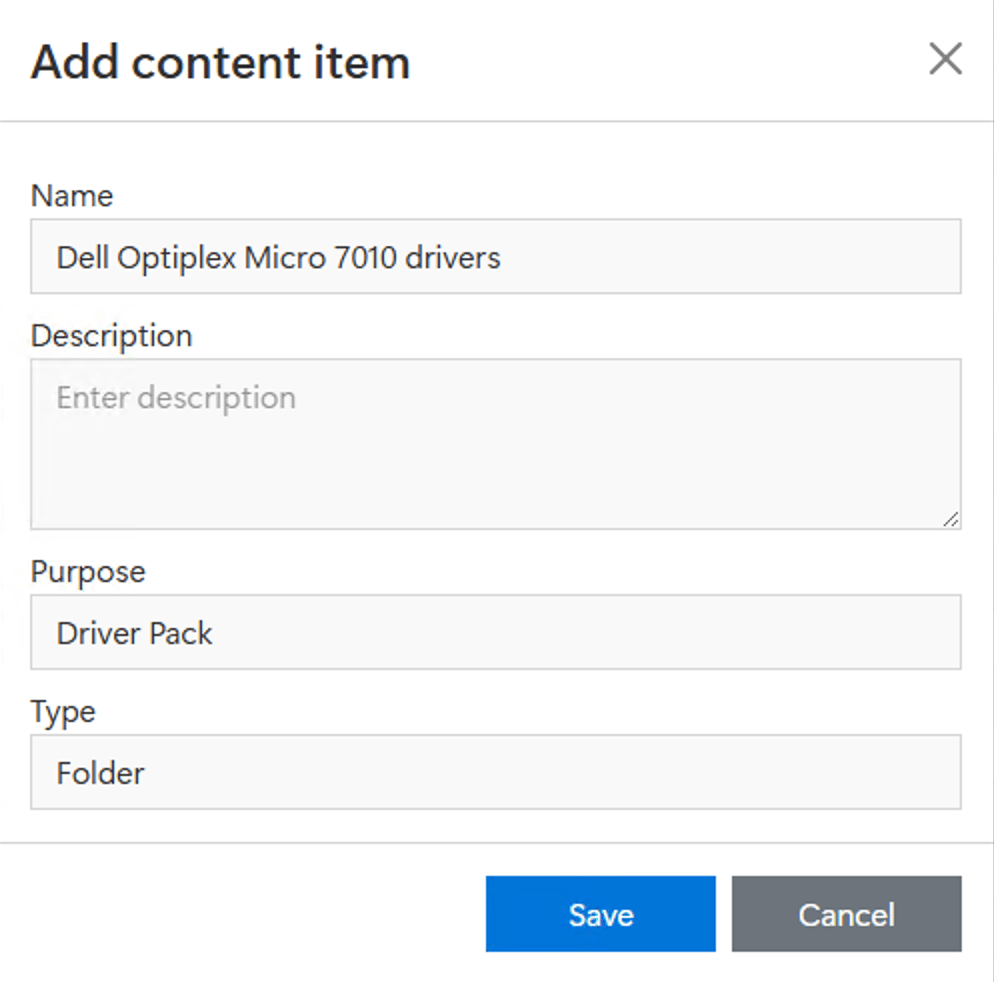
To create a driver pack content item manually in the dashboard, first create the content item:
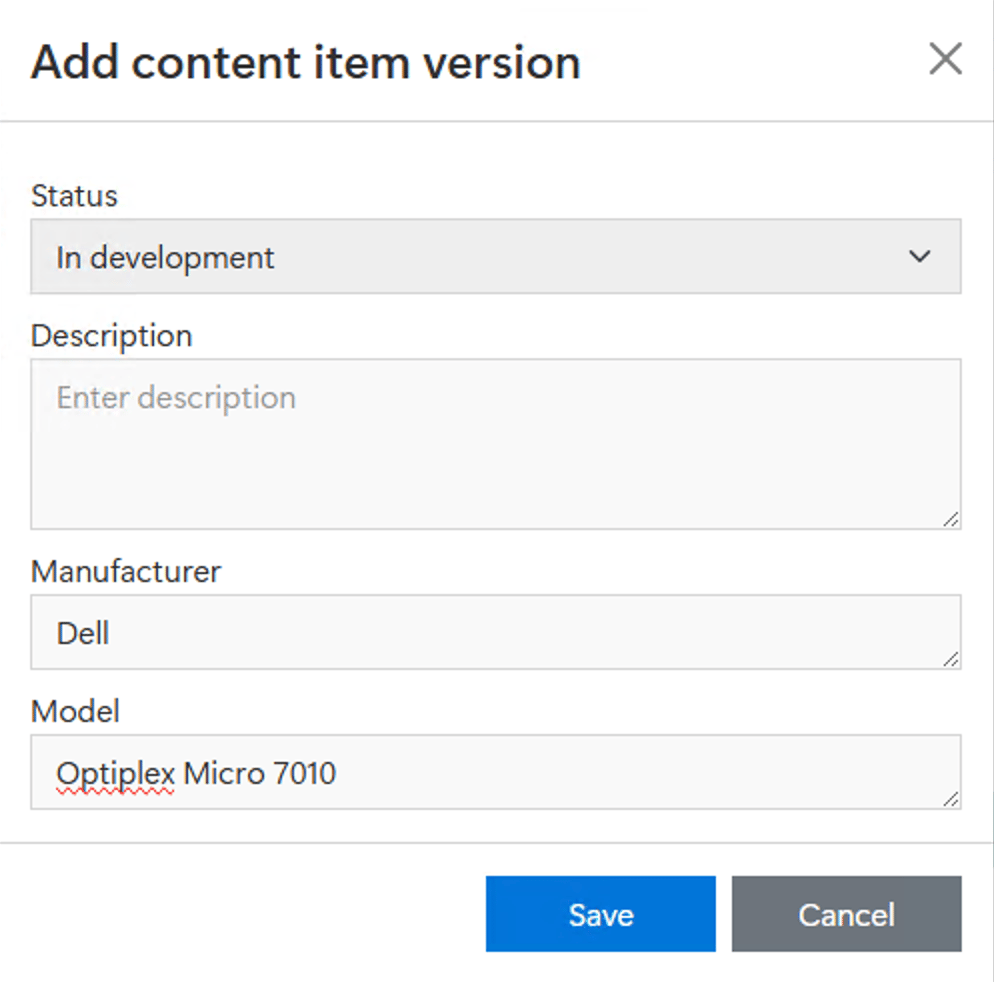
Next, create a driver pack version and specify the manufacturer and model of the devices that should use it:
Select a folder containing the driver files, then click Upload All to upload them to the DeployR server. DeployR combines all files into a single WIM file and extracts them before injecting the drivers on the target device.

Note: The manufacturer and model strings are matched using either the exact values found in the firmware (SMBIOS) of the device, or simplified MakeAlias, ModelAlias, and/or SystemAlias values. Check the DeployR.log to see the specific values for a given device.

You can also create driver pack content items with PowerShell (see Generate Driver Pack Content Items) or import them from the 2Pint catalog (see Driver packs Node).

Last updated