

Scripting Examples - Simple inline script.
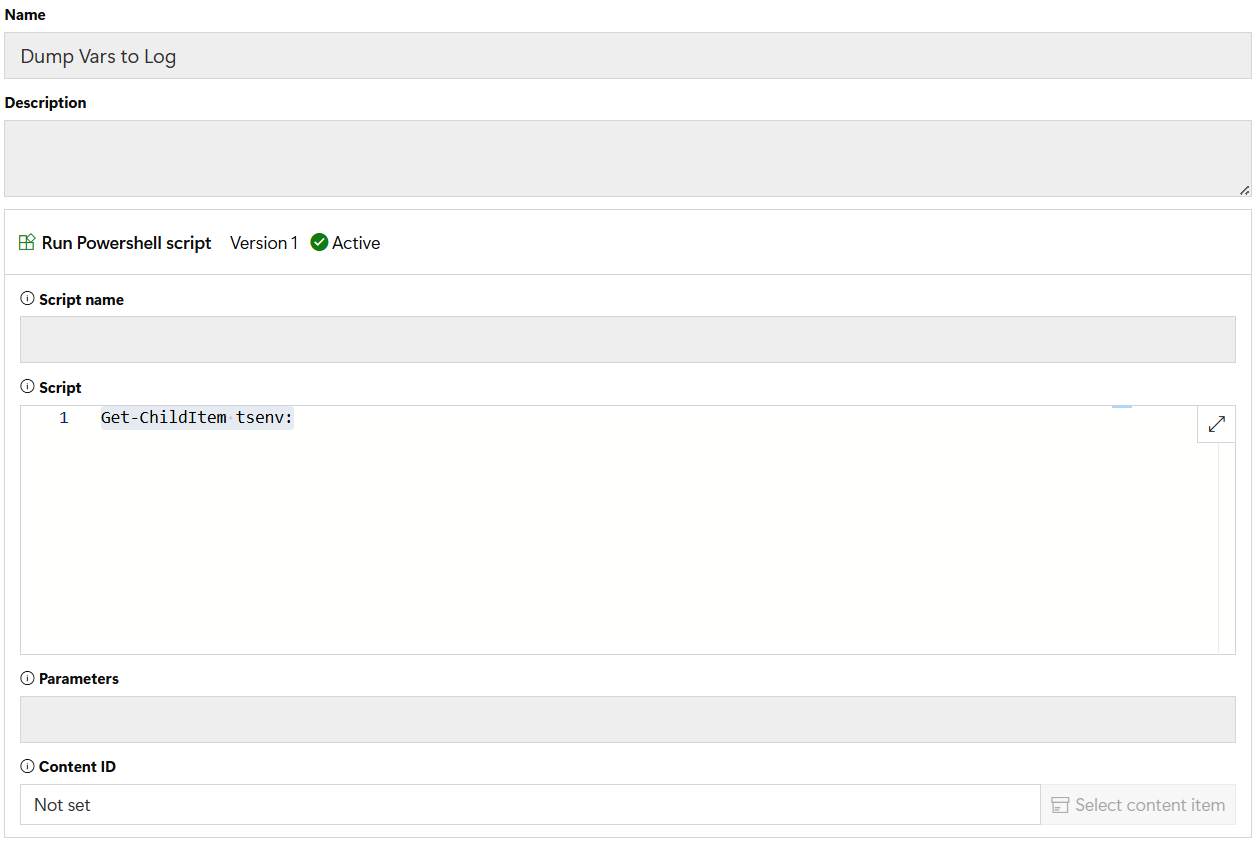
PowerShell scripts in DeployR task sequences can be simple or complex. A basic PowerShell step might look like this:
Get-ChildItem tsenv:You can paste this script directly into a step. It returns a list of all task sequence variables, which are then written to the DeployR log. This is useful for debugging and checking variable values at a specific point in the task sequence.
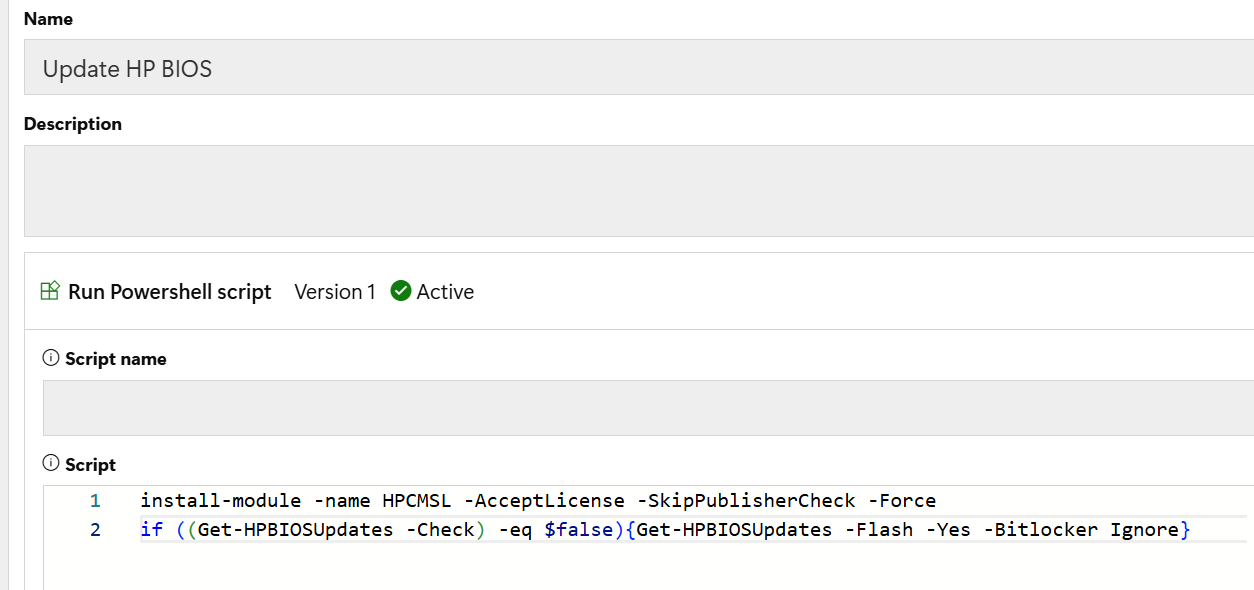
This is a simple example. Another option is to have a step install a module and run a command. The following example updates the HP BIOS from WinPE:
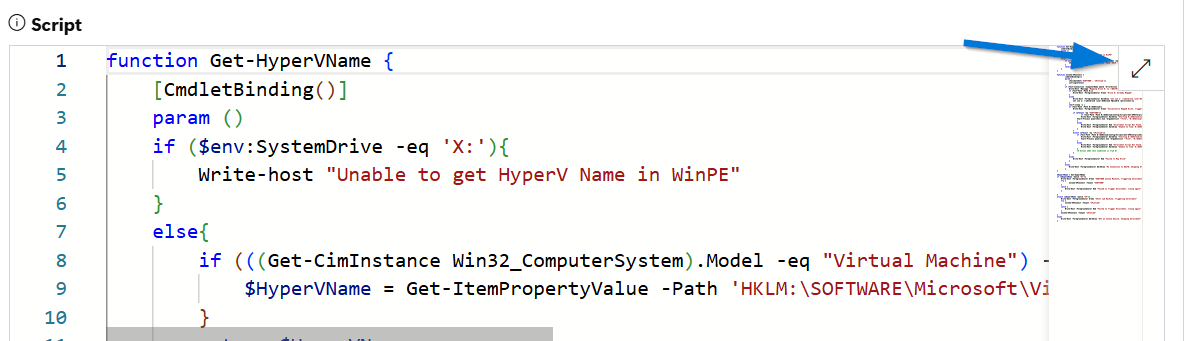
This step also supports longer scripts, which you can more easily view by clicking the enlarge icon on the upper right corner of the script dialog box.
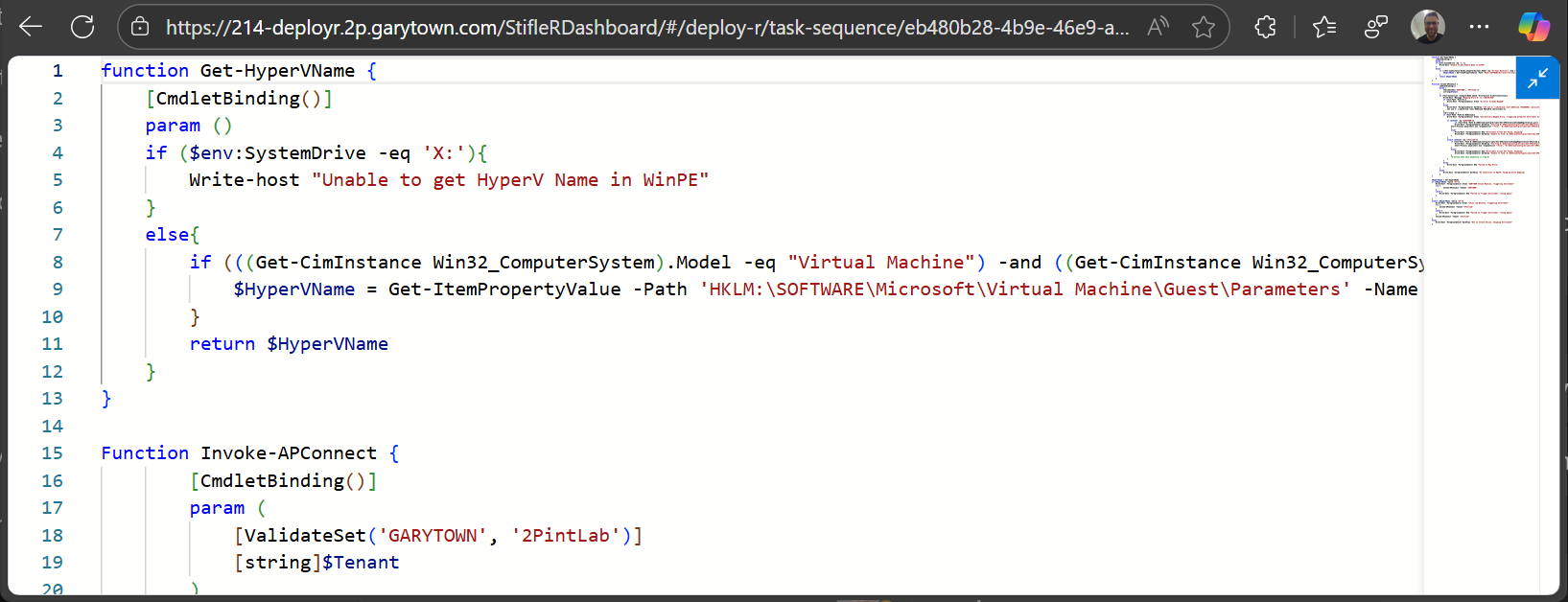
The script editor then opens in full-screen mode. Click the blue Minimize button in the upper-right corner to return to the normal view.
Last updated