

Get-DeployROEMDriverPack
This is an Enterprise-only feature. Attempts to use these functions in DeployR Community return HTTP 403. The functions provide the same import capability as running the import from the Dashboard.
The Get-DeployROEMDriverPack and Import-DeployROEMDriverPack functions allow you to import driver packs from the regularly updated 2Pint OEM Driver Pack catalog. This is the same catalog used by the Inject drivers from cloud step.
First, import the module and run Connect-DeployR to authenticate. Run these commands directly on the DeployR server.
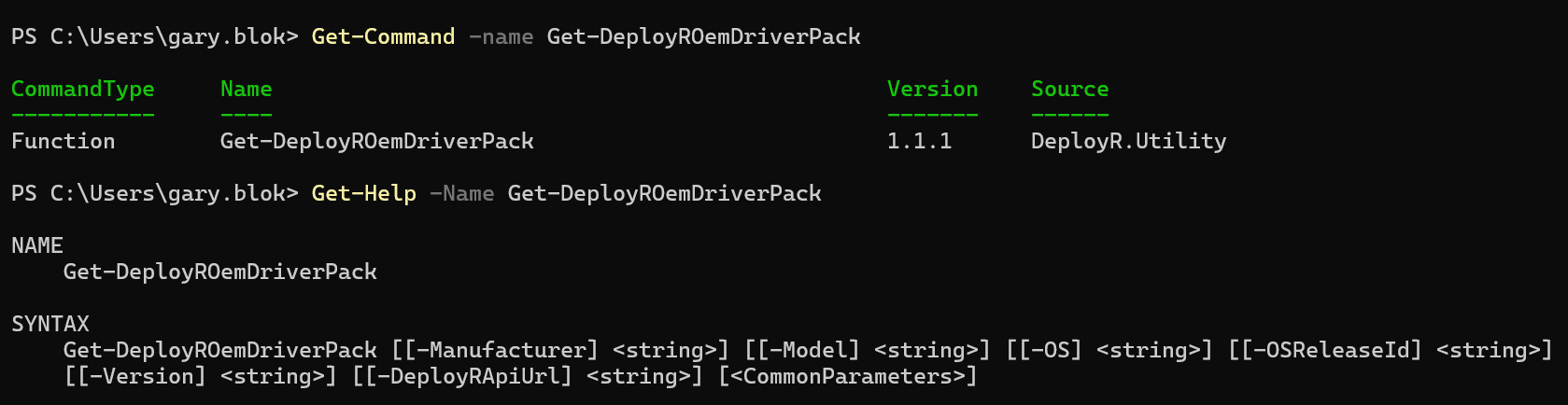
The function requires several parameters. If you do not provide them, it displays the available options:
Manufacturer
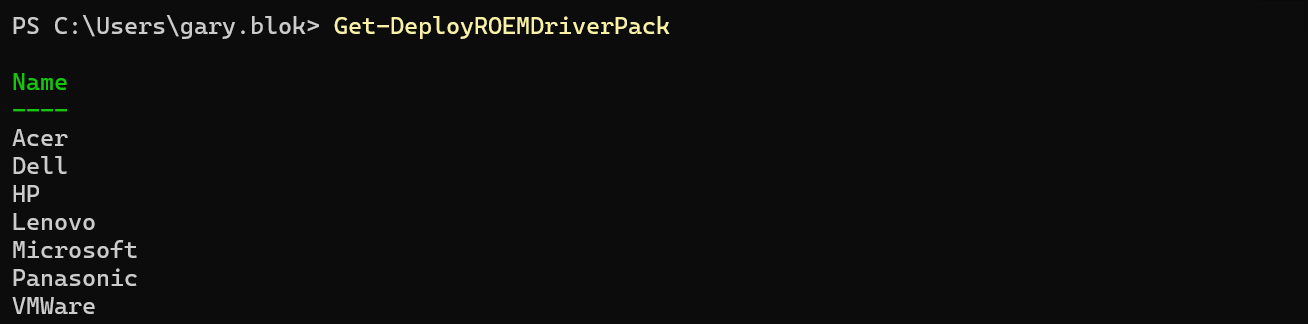
Running the function without parameters displays the available manufacturer options.
Model
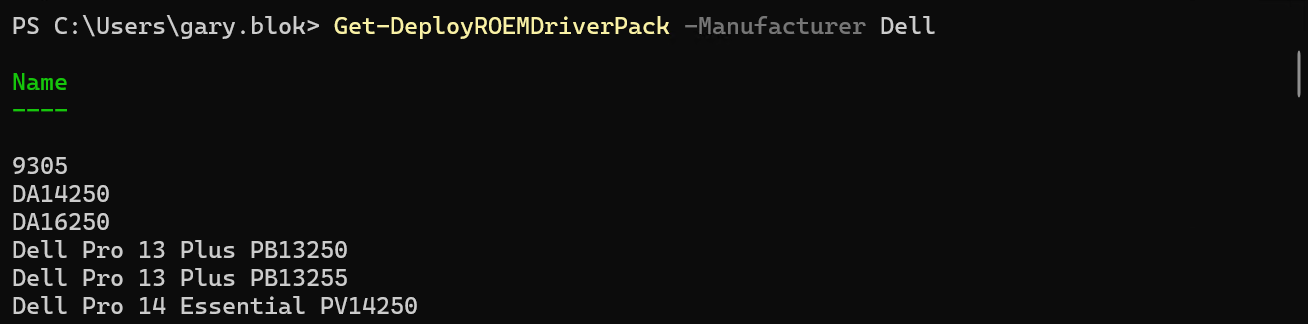
By running the function with a specific manufacturer, it will provide a list of the supported models that can be used with the model parameter.
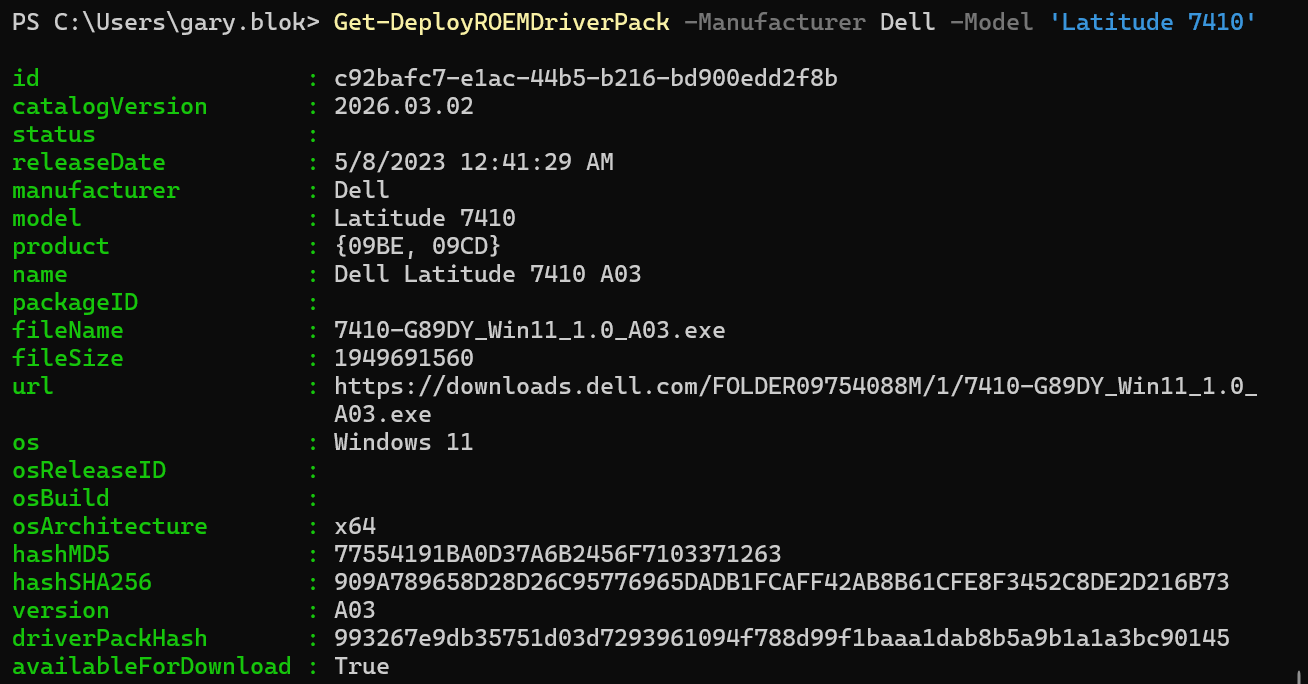
When a model is added, it returns the latest driver pack available, defaulting to Windows 11 even if a Windows 10 driver pack is available. To check for a Windows 10 driver pack, use the OS parameter.
OS
Options for this are 'Windows 10' or 'Windows 11'.
In this example, for the Latitude 7410, without providing an OS parameter, it defaulted to the Windows 11 driver pack, as shown previously. You can check for a Windows 10 driver pack by setting the OS parameter to 'Windows 10', as in the example below.
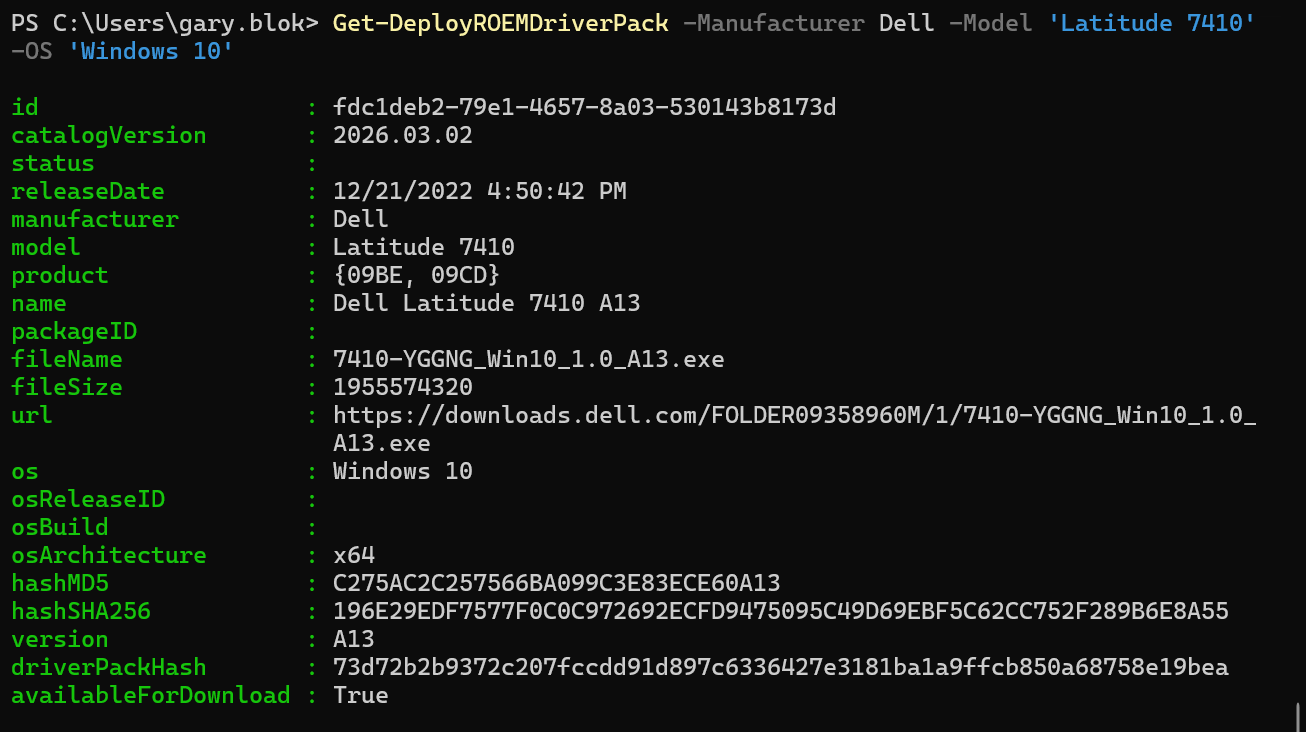
Starting with DeployR 1.4, Get-DeployROemDriverPack -ListAll returns the entire catalog, which you can filter yourself, for example Get-DeployROemDriverPack -ListAll | Where-Object { $_.model -like "*Latitude*" }.
Once it is returning the desired driver pack, pipe it to the Import-DeployROEMDriverPack function.

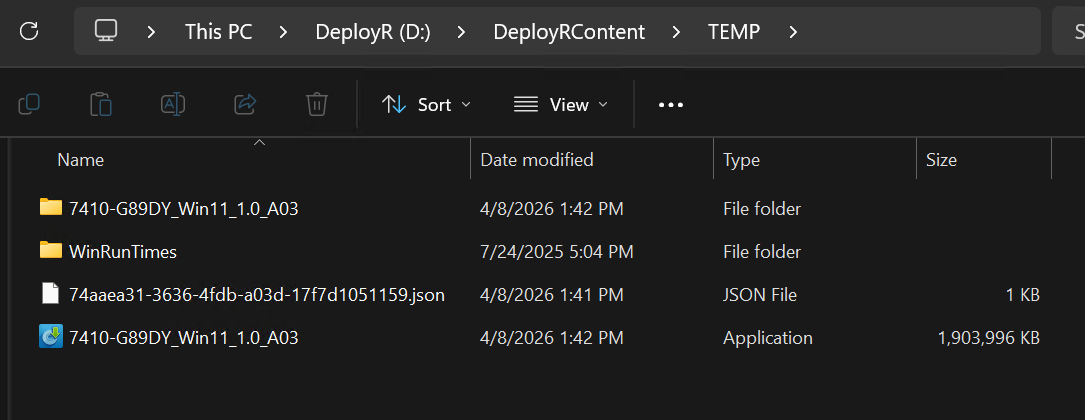
This command completes immediately in the console because it starts background processes. You can confirm things are working by watching Task Manager and looking at the DeployR Temp folder.
Once the process is complete, it will show up in the dashboard:

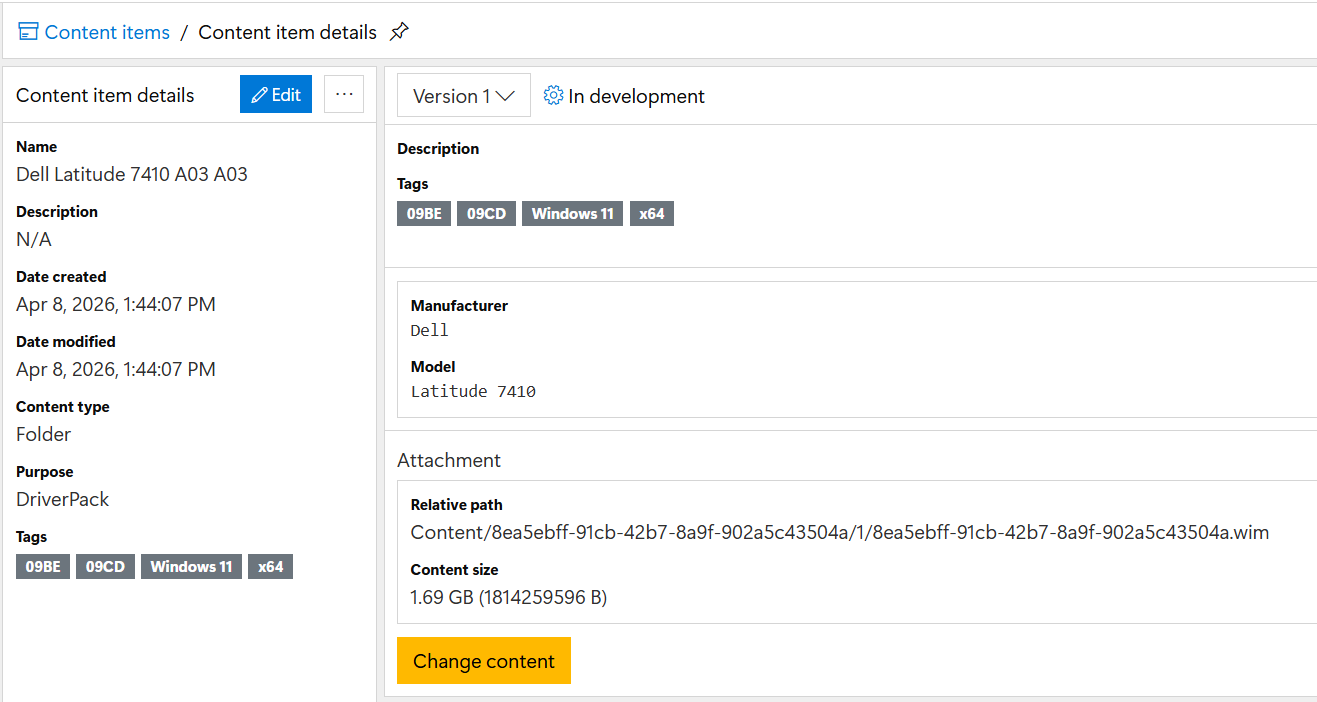
Now this driver pack will be automatically used on the Latitude 7410 devices when the Inject drivers step runs.
Last updated