> For the complete documentation index, see [llms.txt](https://documentation.2pintsoftware.com/llms.txt). Markdown versions of documentation pages are available by appending `.md` to page URLs; this page is available as [Markdown](https://documentation.2pintsoftware.com/deployr/whats-new-and-upgrades/updating-deployr-enterprise.md).
# Updating DeployR Enterprise
When going from a working version of DeployR to an updated build, here is a checklist and troubleshooting guide to help make your updates smooth.
## TL;DR
{% hint style="danger" %}
If you are upgrading to DeployR 1.4 from an earlier version, you must also upgrade to **StifleR Server 3.1 (build .1006)** and **StifleR Dashboard 3.1 (build .1006)**. In addition, update the required runtime dependencies to **.NET Runtime 10.0.14, .NET Desktop Runtime 10.0.14, ASP.NET Core Runtime 10.0.14**, and **PowerShell 7.6.9** before proceeding with the DeployR upgrade. Do **not** uninstall .NET 8 before installing .NET 10, as DeployR requires .NET 8 during the upgrade process.
{% endhint %}
* Confirm **Prerequisites are updated** (.NET Runtime 10.0.14, .NET Desktop Runtime 10.0.14, ASP.NET Core Runtime 10.0.14, PowerShell 7.6.9, StifleR Server 3.1 build .1006, and StifleR Dashboard 3.1 build .1006)
* Run the DeployR updater and follow the prompts, choosing the defaults
* Launch DeployR Config Editor, click 'verify' then confirm DeployR service starts.
## Update Process
Updating from an earlier version of DeployR involves several steps:
* Confirm Prerequisites
* Install or update the required .NET 10.0.14 runtimes and PowerShell 7.6.9
* StifleR Server / Dashboard
### Prerequisite updates
DeployR is built on .NET and requires the relevant runtimes to be installed. Microsoft frequently updates these runtimes to fix bugs, add capabilities, and address vulnerabilities. When updated runtimes are required, DeployR is updated to use the new versions. Check your installed versions before upgrading. These updates are usually quick and add only a few minutes to the process.
DeployR runs on the 2Pint StifleR platform. For DeployR 1.4, use StifleR Server 3.1 build .1006 and StifleR Dashboard 3.1 build .1006. If you use 2PXE, update it to build .623. DeployR 1.4 includes BCMon 3.5.2644.155 as its download engine; no separate BCMon installation is required.
### Installing the Updated DeployR
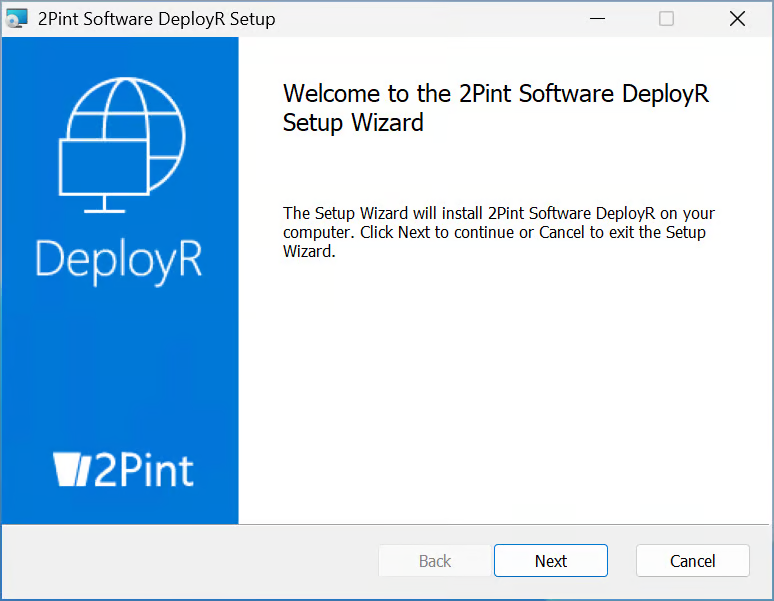
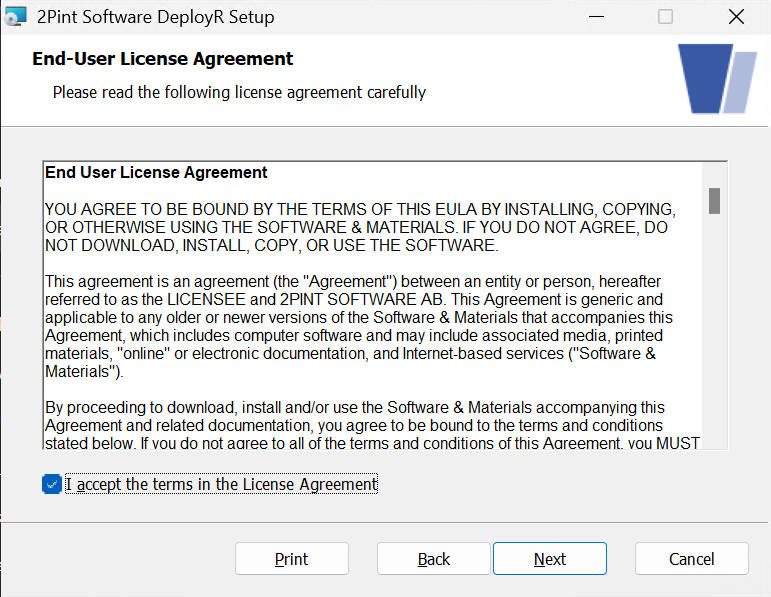
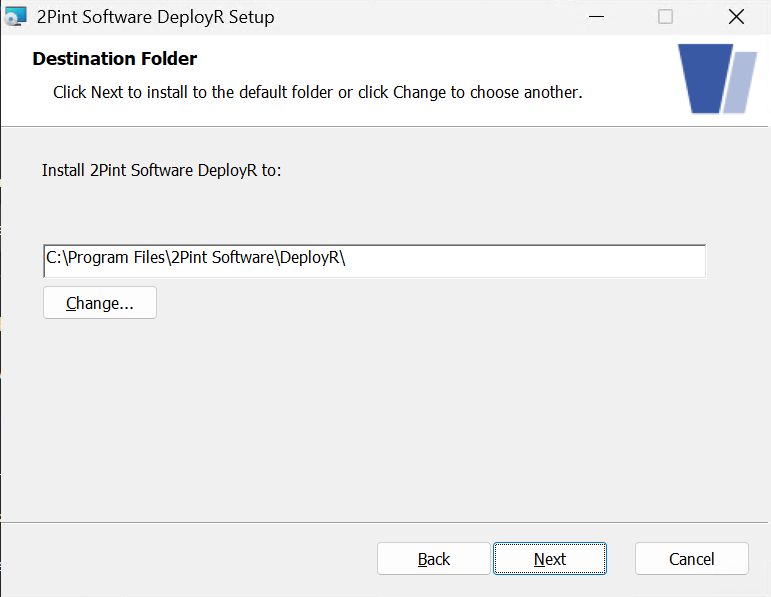
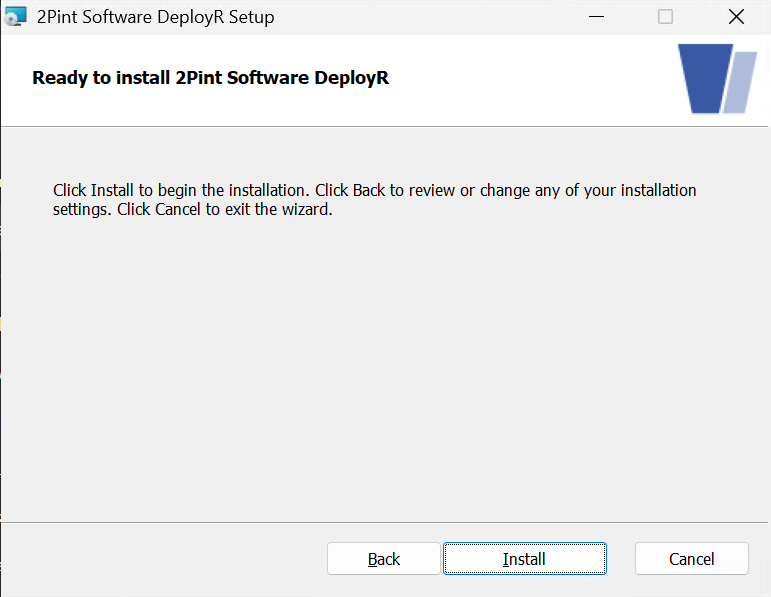
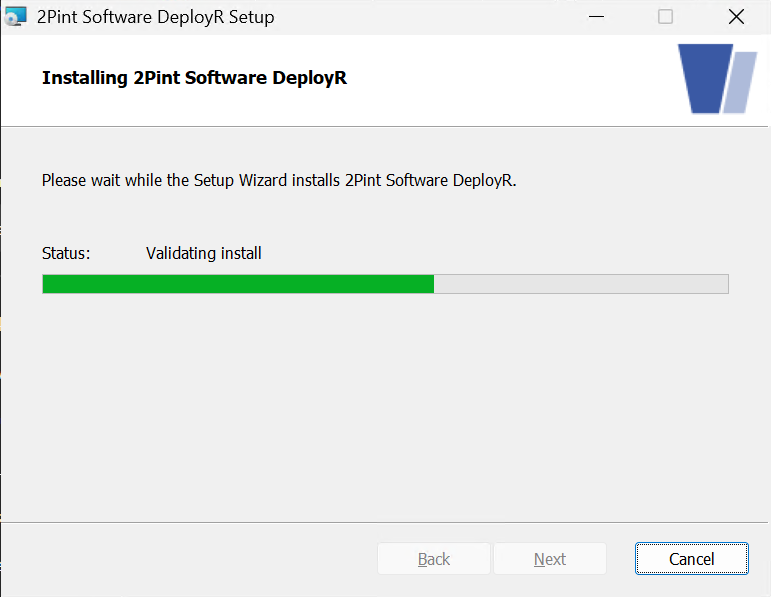
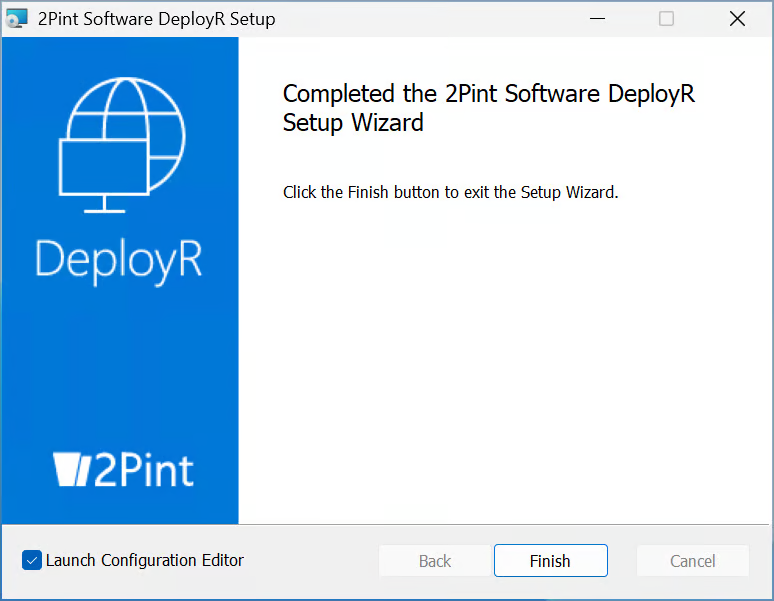
The update process is straightforward. The setup MSI does not provide configuration options; follow the installer prompts and click **Next**, **Install**, and **Finish**.
{% hint style="info" %}
When running any of the 2Pint installers for updates, the process will stop the service for that application, then set the service to manual to make sure it does not get started again during the process. This is why it is important to run the Config Editors after the upgrade, as that will both start the service again and set it to automatic.
{% endhint %}
When the installer completes, open the DeployR Config Tool and click **Verify**. This checks your configuration and starts the DeployR service.
### Launching Configuration Editor
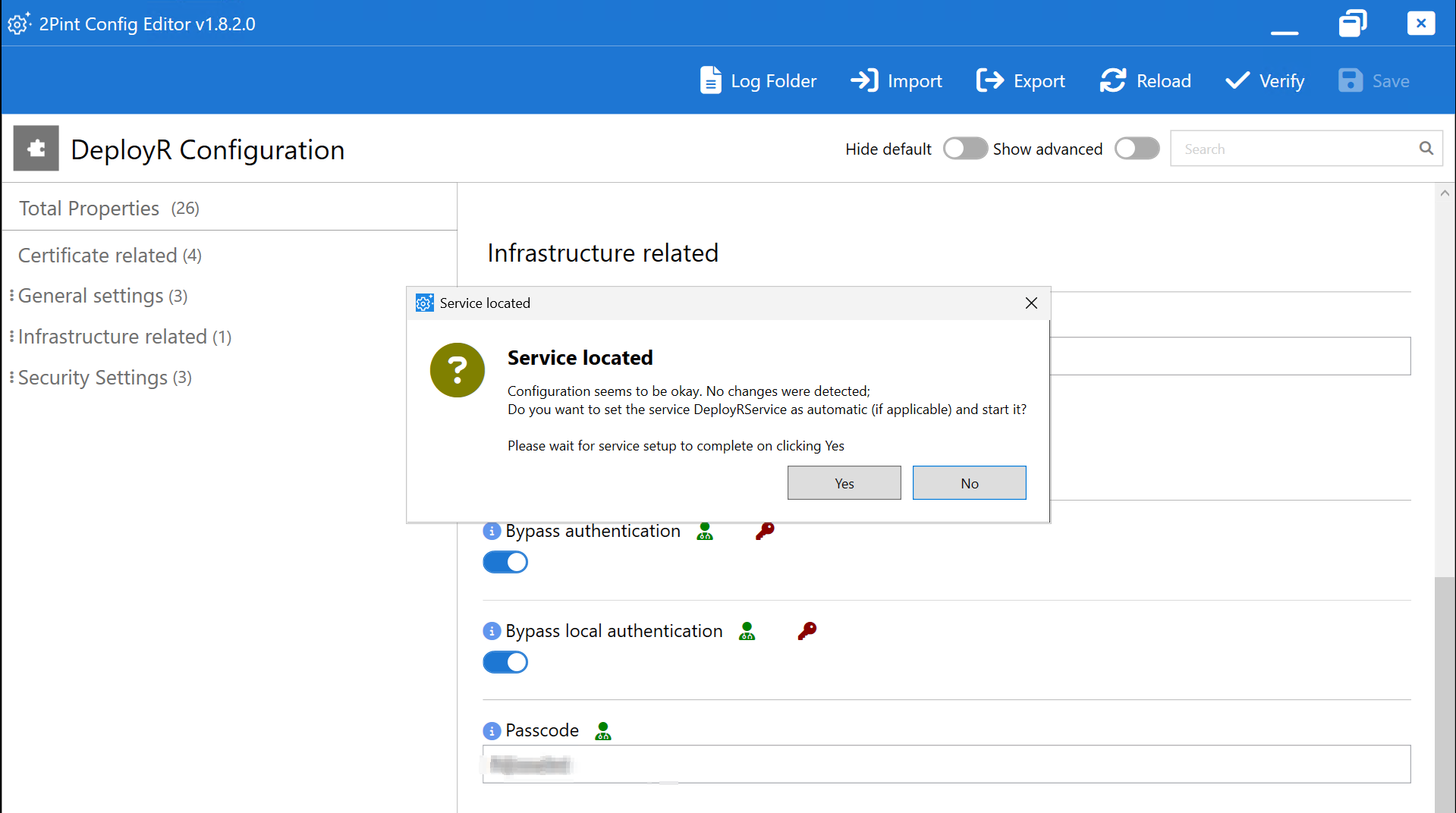
You should not normally need to change any settings during an update. However, check the release notes for new options that your organization may want to use. For now, simply click **Verify**.
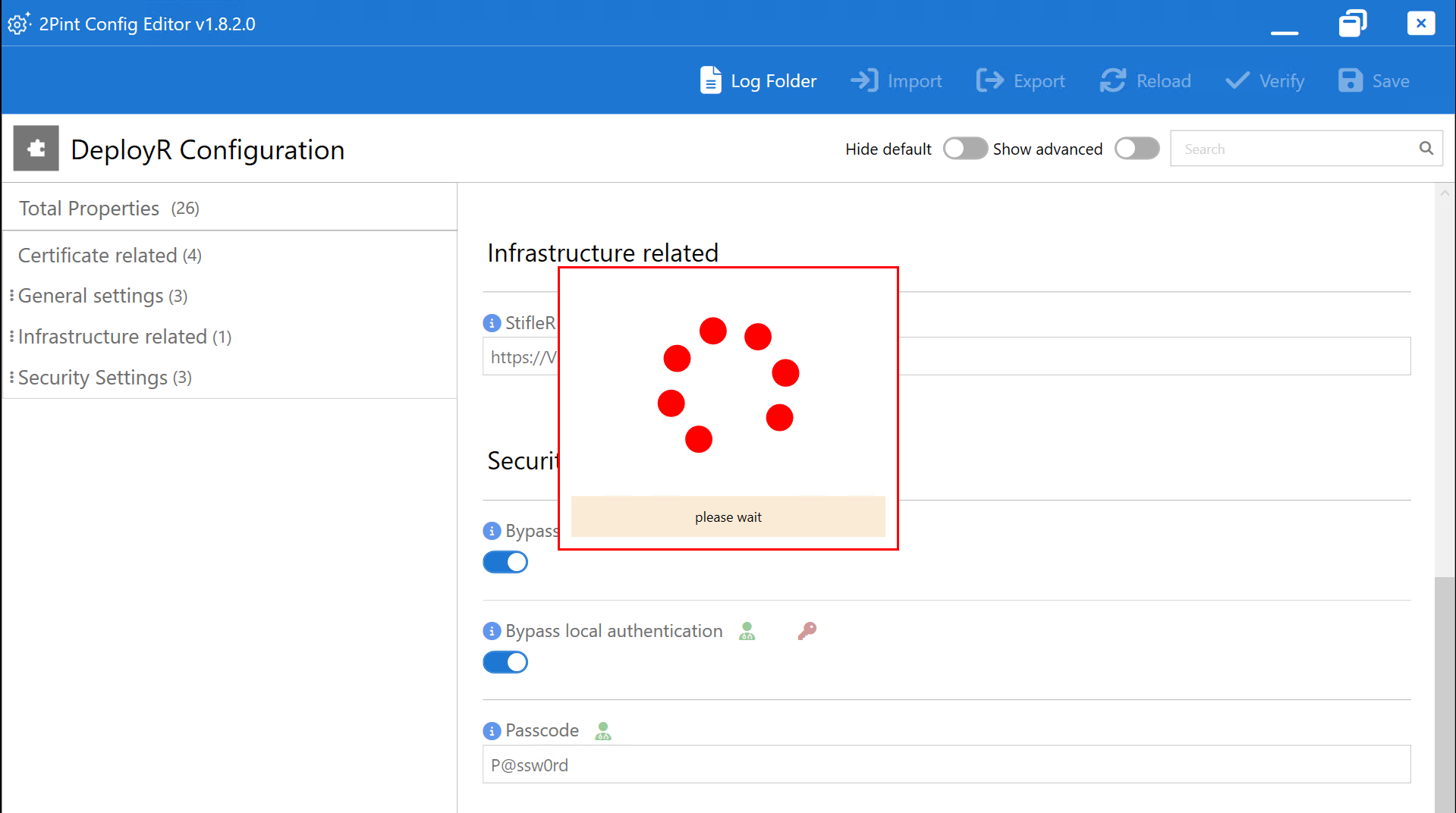
When the **Service located** dialog appears, click **Yes**. A red spinning indicator and the message **Please wait** will appear.
---
# Agent Instructions
This documentation is published with GitBook. GitBook is the documentation platform designed so that both humans and AI agents can read, navigate, and reason over technical content effectively. Learn more at gitbook.com.
## Querying This Documentation
If you need additional information that is not directly available in this page, you can query the documentation by asking a question.
Perform an HTTP GET request on the following URL with the `ask` and `goal` query parameters:
```
GET https://documentation.2pintsoftware.com/deployr/whats-new-and-upgrades/updating-deployr-enterprise.md?ask=&goal=
```
`ask` is the immediate question: it should be specific, self-contained, and written in natural language.
`goal` is what the user is ultimately trying to achieve, the reason they need the answer. Sharing it helps GitBook give you a better, more relevant answer. A goal is most helpful when it describes the outcome the user wants rather than restating the question. For example, with `ask=how do I create an API token`, a goal like `automate deployments from our CI pipeline` lets GitBook tailor the answer to that use case.
The response will contain a direct answer to the question and relevant excerpts and sources from the documentation.
Use this mechanism when the answer is not explicitly present in the current page, you need clarification or additional context, or you want to retrieve related documentation sections.